
Easy to use Under Construction Page & Coming Soon Page. Enable Under Construction Mode in seconds & sh...
Free
600k+ installs 4.8★ (1,285)
Adds Matomo (former Piwik) statistics to your WordPress dashboard and is also able to add the Matomo Tracking Code to your blog.
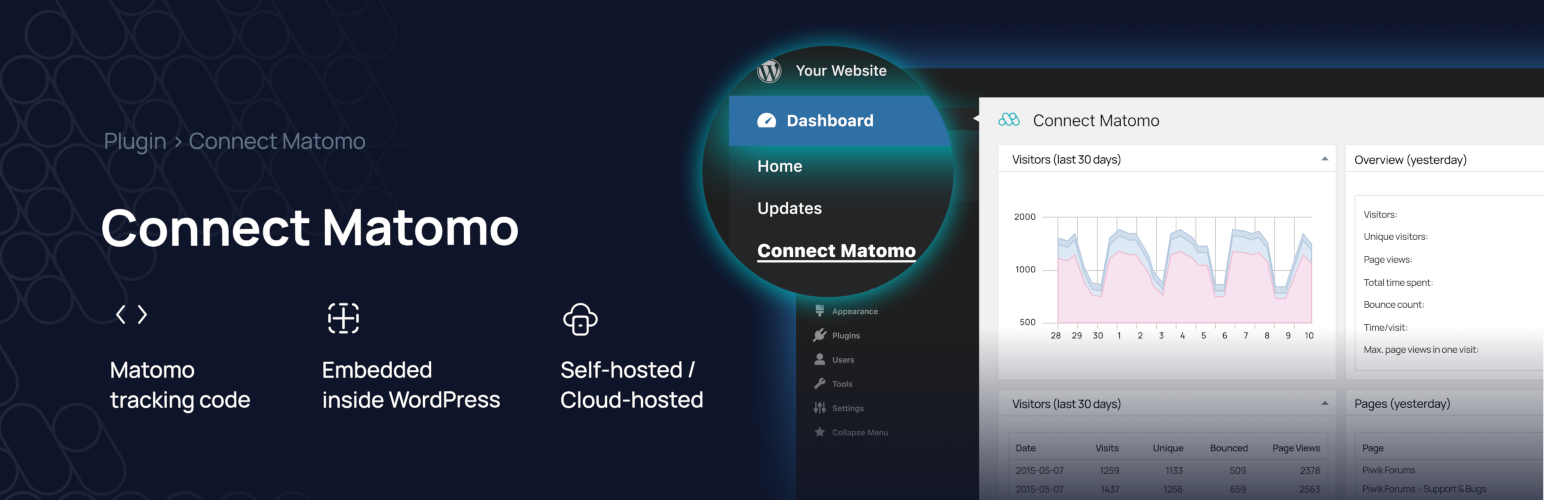
Connect Matomo is a WordPress plugin that integrates Matomo analytics into your WordPress dashboard. It allows you to view your Matomo statistics directly within WordPress and add the Matomo tracking code to your site. This plugin is suitable for users who already have a Matomo setup, either self-hosted or cloud-hosted.
The plugin supports WordPress networks and manages multiple sites and their tracking codes. It requires a Matomo web analytics application to function and offers shortcodes for displaying various analytics data. It is available for free in the WordPress.org directory.
Best for: This plugin is best for WordPress users who utilise Matomo for analytics.
What it does well
Where it falls short
Connect Matomo is a useful tool for integrating Matomo analytics into WordPress, provided you have an existing Matomo setup. It offers essential features for tracking and managing analytics across multiple sites.
matomoteam's own description of Connect Matomo, lightly tidied.
Version 1.1.7 includes a security related fix, it is highly recommended to update to this or a later version.
If you are not yet using Matomo On-Premise, Matomo Cloud or hosting your own instance of Matomo, please use the Matomo for WordPress plugin.
This plugin uses the Matomo API to show your Matomo statistics in your WordPress dashboard. It’s also able to add the Matomo tracking code to your blog and to do some modifications to the tracking code. Additionally, WP-Matomo supports WordPress networks and manages multiple sites and their tracking codes.
To use this plugin the Matomo web analytics application is required. If you do not already have a Matomo setup (e.g., provided by your web hosting service), you have two simple options: use either a self-hosted Matomo or a cloud-hosted Matomo by InnoCraft.
Requirements: PHP 7.0 (or higher), WordPress 5.0 (or higher), Matomo 4.0 (or higher)
Languages: English, Albanian, Chinese, Dutch, French, German, Greek, Hungarian, Italian, Polish, Portuguese (Brazil). Partially supported: Azerbaijani, Belarusian, Hindi, Lithuanian, Luxembourgish, Norwegian, Persian, Romanian, Russian, Spanish, Swedish, Turkish, Ukrainian
You can use following shortcodes if activated:
[wp-piwik module="overview" title="" period="day" date="yesterday"]
Shows overview table like WP-Matomo’s overview dashboard. See Matomo API documentation on VisitsSummary.get to get more information on period and day. Multiple data arrays will be cumulated. If you fill the title attribute, its content will be shown in the table’s title.
[wp-piwik module="opt-out" language="en" width="100%" height="200px"]
Shows the Matomo opt-out Iframe. You can change the Iframe’s language by the language attribute (e.g. de for German language) and its width and height using the corresponding attributes.
[wp-piwik module="post" range="last30" key="sum_daily_nb_uniq_visitors"]
Other plugins for measuring traffic.
Easy to use Under Construction Page & Coming Soon Page. Enable Under Construction Mode in seconds & sh...

Manage Google AdSense ads, banners, ad rotation, sticky widgets, AMP ads, ads.txt, tracking, header and footer...

The best free Google Analytics plugin for WordPress. See how visitors find and use your website so you can gro...

Great looking maintenance, coming soon & under construction pages. Put your site under maintenance in minu...

Easily add tracking code snippets, conversion pixels, or other scripts required by third party services for an...

Adds Google Analytics tracking code to your WordPress site. Supports many tracking features.