
Easy to use Under Construction Page & Coming Soon Page. Enable Under Construction Mode in seconds & sh...
Free
600k+ installs 4.8★ (1,285)
Sequential order number for WooCommerce is the best plugin to generate sequential or custom order numbers for existing and new WooCommerce orders.
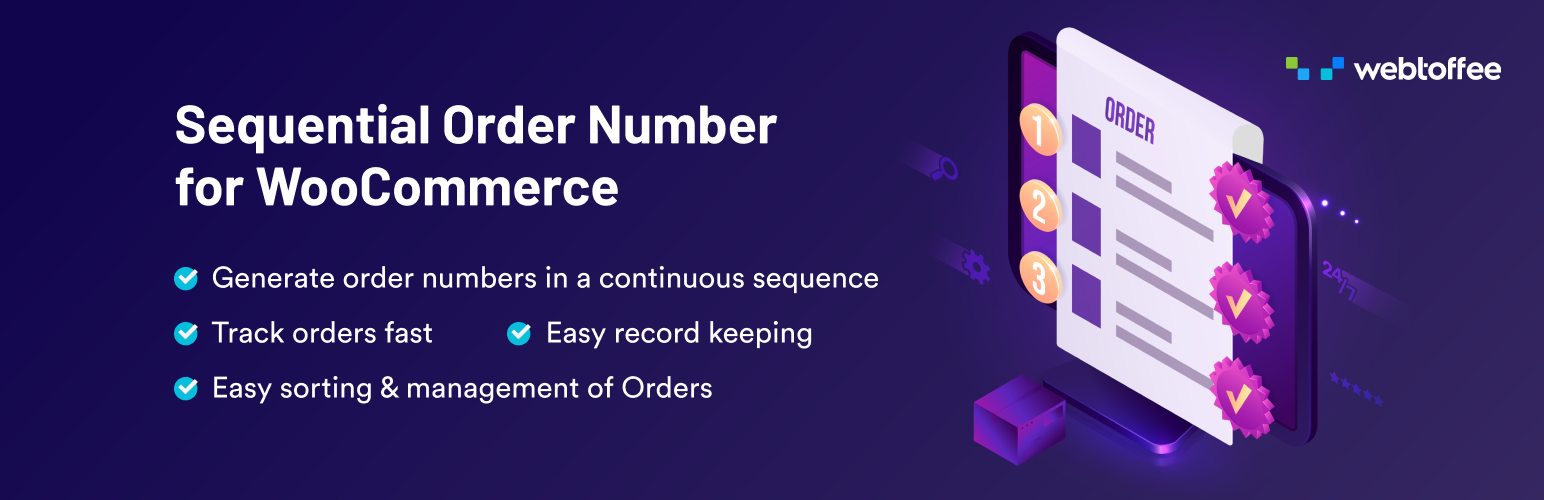
The Sequential Order Number for WooCommerce plugin allows you to format and organize WooCommerce order numbers in a clear, consecutive sequence. You can set custom prefixes, suffixes, starting numbers, and increments, making order tracking straightforward. This plugin is suitable for WooCommerce store owners who want to maintain a consistent order numbering system, especially if they have existing orders that need to be formatted sequentially.
When activated, the plugin begins numbering from a specified starting point or continues from the last order number. It supports subscription orders and offers various templates for displaying order numbers, enhancing the overall management of order tracking in your WooCommerce store.
Best for: WooCommerce store owners looking for a reliable way to manage order numbering.
What it does well
Where it falls short
The plugin offers useful features for organizing order numbers, making it a practical choice for WooCommerce users. However, the lack of detailed user feedback may limit insights into its effectiveness.
WebToffee's own description of Sequential Order Number for WooCommerce, lightly tidied.
The Sequential Order Number for WooCommerce plugin helps organize order numbers in custom formats using prefixes, suffixes, starting numbers and increments. This allows you to format or rearrange both existing and new WooCommerce order numbers into a clear consecutive sequence, making order tracking simple and consistent.
Why are WooCommerce order numbers not in sequential order?
The reason is quite simple! WordPress uses a single ID system for posts, pages, and media files. WooCommerce uses the same ID system to generate order numbers. This means that when a new WooCommerce order is created, it may not always receive the next number in sequence because that ID may have already been used by another post or page. As a result, WooCommerce order numbers can appear to skip or break sequence.
However, using this custom order number plugin, you will always get sequential numbers for your WooCommerce orders.
When you activate the sequential order number plugin, you can easily organize WooCommerce order numbers in a custom sequence. If your store has no existing orders, numbering will begin at 1 or at any custom starting number you set. If you already have existing orders, the plugin will continue the sequence from the latest order number.
To get a complete walkthrough of the WooCommerce sequential order plugin settings, check out this video
To learn about the installation and setup of this free sequential order plugin, visit the WooCommerce sequential order number plugin documentation.
Note: If you like to make any of your other plugins (invoice/payment/shipment) compatible with the Sequential Order Numbers for WooCommerce, please make the below tweak.
Instead of referencing
$order->get_id()when fetching order data, use$order->get_order_number()
✅ Add a custom suffix to order numbers
✅ Include order date as a suffix
✅ Auto-reset WooCommerce order numbers daily, monthly, or yearly
✅ Set a seperate custom order sequence for free orders
✅ Choose from more order number templates
✅ Define a custom increment for the order number sequence
For more information about the custom order number plugin checkout the Sequential Order Number for WooCommerce Premium.
Other plugins for measuring traffic.
Easy to use Under Construction Page & Coming Soon Page. Enable Under Construction Mode in seconds & sh...

Manage Google AdSense ads, banners, ad rotation, sticky widgets, AMP ads, ads.txt, tracking, header and footer...

The best free Google Analytics plugin for WordPress. See how visitors find and use your website so you can gro...

Great looking maintenance, coming soon & under construction pages. Put your site under maintenance in minu...

Easily add tracking code snippets, conversion pixels, or other scripts required by third party services for an...

Adds Google Analytics tracking code to your WordPress site. Supports many tracking features.