
FluentCRM
91The easiest and fastest Email Marketing, Newsletter, Marketing Automation Plugin & CRM Solution for WordPr...
Free
80k+ installs 4.8★ (249)
Automate everything & connect your website, plugins and services together with no-code automations. Browse 100+ integrations...
WP Webhooks is a WordPress plugin that automates tasks by connecting your website with various external services and applications. It allows you to create workflows that can trigger actions based on specific events, such as user logins or form submissions. This plugin is designed for users looking to streamline their processes and reduce manual work by leveraging automation.
You can use WP Webhooks to send and receive data between your WordPress site and other platforms like Zapier or Pabbly. It supports various integration methods and offers features like unlimited webhook action URLs, authentication options, and advanced settings for managing triggers and actions. This plugin is suitable for website owners and developers who want to enhance their site's functionality through automation.
Best for: Website owners and developers looking to automate tasks and integrate their WordPress site with external services.
What it does well
Where it falls short
WP Webhooks provides a robust solution for automating tasks and connecting your WordPress site with other applications. It is a useful tool for those seeking to improve efficiency through automation.
Cozmoslabs's own description of WP Webhooks, lightly tidied.
Put your website on autopilot by automating manual tasks to leverage your time and resources for what’s really important to your project or business.
WP Webhooks lets you connect your website, plugins and apps together using powerful no-code automations.
Browse 100+ Integrations | Compare Free vs Pro | Features
WP Webhooks Automations can be used in three different ways:
Trigger (Send Data):
A trigger sends information from your WordPress website on a specific event (e.g. when a user logs in), to any API or external service of your choice (e.g. Zapier, Make, Pabbly, …).
Action (Receive Data):
An action is the reversed way of the trigger. It allows you to receive data on your website from any API or external service (e.g. Zapier, Make, Pabbly) which then executes a specific functionality on your WordPress website (e.g. creating a user or post).
Flows (Pro)
A Flow allows you to connect both the triggers and actions together and create tasks that are executed in a consecutive order. E.g. When a new user is created (trigger), send an email to the user.
To give you some practical automation examples, here are a few things you can do via our plugin:
Plugin related
Paid Member Subscriptions related integrations
Profile Builder related integrations
Other plugins for automating workflows.
The easiest and fastest Email Marketing, Newsletter, Marketing Automation Plugin & CRM Solution for WordPr...
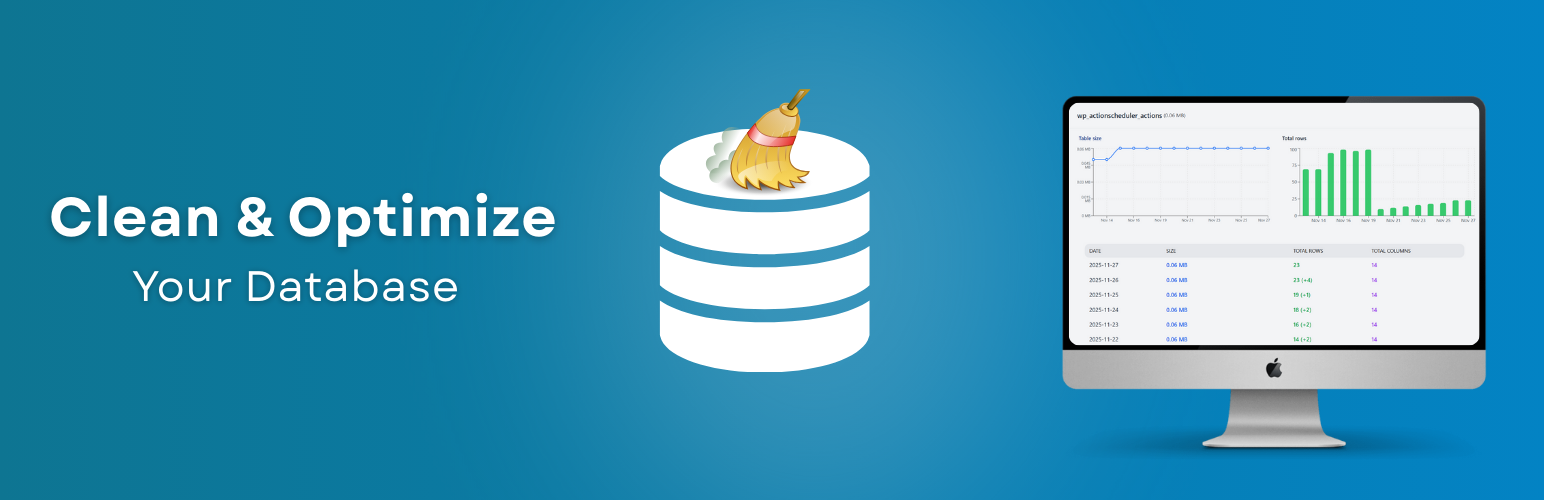
Clean database by deleting orphaned data such as 'revisions', 'expired transients', optimi...

Free email automation, email campaigns, exit intent popup builder, gamified popups with spin the wheel, contac...

Send beautiful newsletters from WordPress. Collect subscribers with signup forms, automate your emails for Woo...
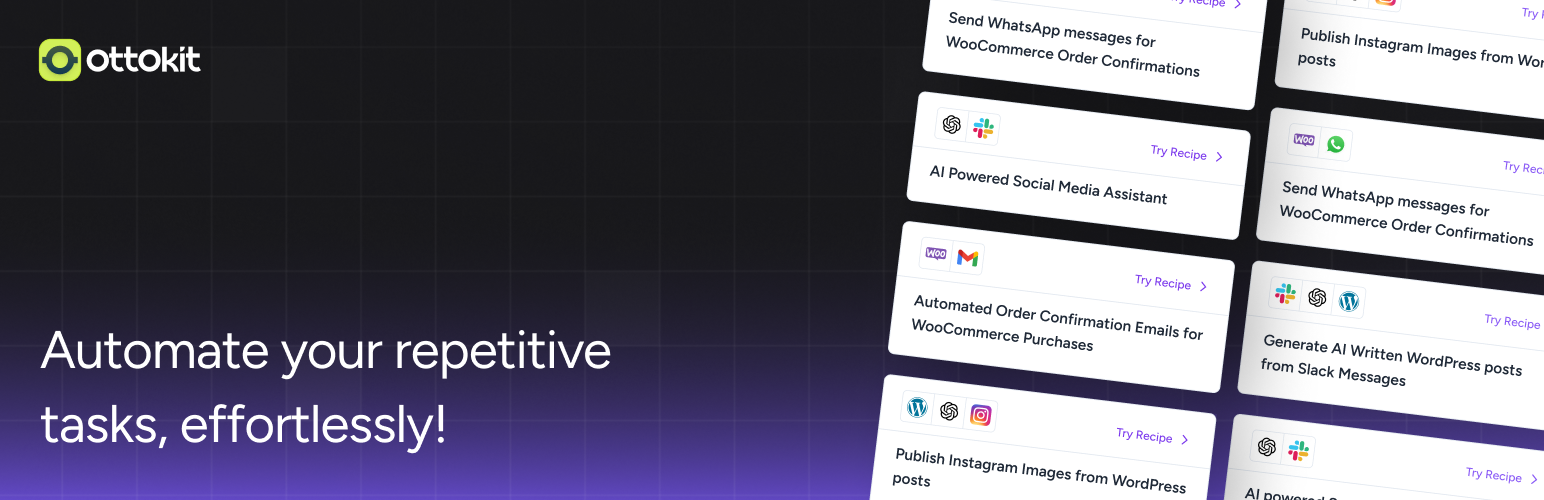
Experience the power of automation within WordPress: Connect 1,500+ apps, automate manual tasks, and unlock yo...

Newsletters, Email Marketing, Email Automation, Forms, Pop Up, SMS by Omnisend